
 Helen A. Sanders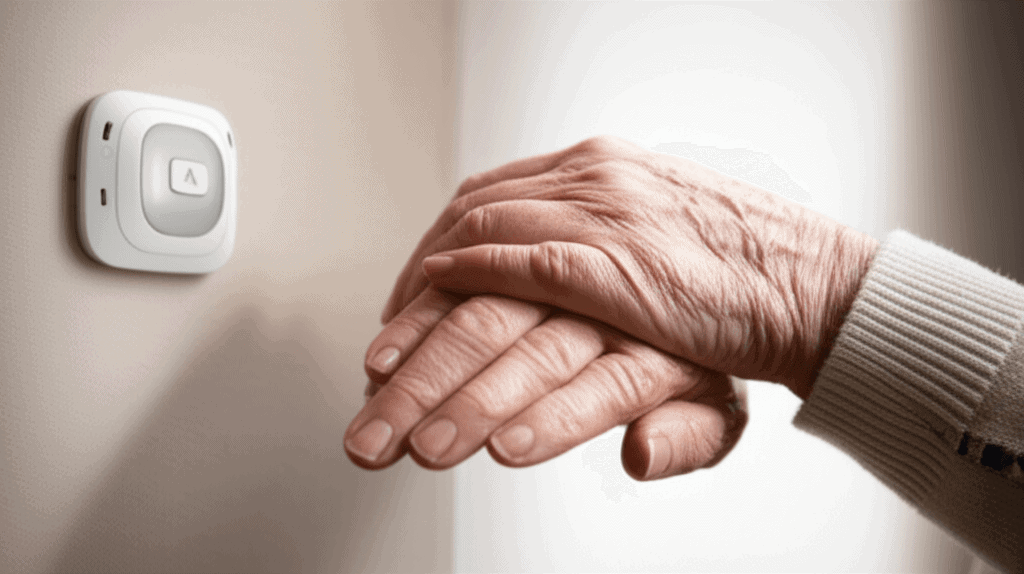
Keeping an older adult safe without being right there is a tricky balance, mixing real practical problems with emotional worries. The guide Keep Them Safe Without Being There Senior Emergency Systems Guide shares proven tricks to lower risks and act fast without invading their personal space. It gives families and care teams handy tools to help seniors stay on their own while getting quick help when necessary. This keeps seniors independent and brings peace of mind to their supporters. Jump in to find smart secrets that make everyday care simpler and safer.
You will find clear options for devices and services, tips for setup, common pitfalls and ways to test systems so they work when it matters most. Read each section with a view to matching technology and protocols to the senior’s health profile and daily routine. Small decisions about placement and alerts can make a big difference in outcomes.
Understanding What Senior Emergency Systems Can Do
Not all systems are the same. Some call a monitoring center that can contact family members. Others send alerts to a neighbor or emergency services. Core functions to look for are fall detection, manual help button, two way voice, location tracking and battery backup. The combination you choose should reflect mobility, cognitive status and living situation.
For example if a person is prone to sudden falls a pendant or watch with fall detection is important. If memory is the main concern a system that logs activity and sends scheduled check in reminders can help detect missed routines. Think of emergency systems as part of a layered plan that also includes home safety adjustments and clear response roles.
Choosing Devices That Match Daily Life
Your choice impacts whether the device will be used regularly. Comfort, battery life and how the senior wears or interacts with the device matter. Wrist based units are good for people who consistently wear a watch. Neck pendants can be easier for people who might not remember to wear a wrist device. Devices that clip to clothing are another option for those who prefer not to wear jewelry.
- Look for long battery life for devices intended for continuous wear
- Choose waterproof or splash resistant models for bathroom coverage
- Pick units with large, intuitive buttons for quick activation
Cost and connectivity options are also important. Cellular based systems work where there is no home phone while landline systems avoid monthly cellular fees. Wi Fi devices depend on a stable internet connection so check signal strength in all commonly used rooms before committing.
Placement and Home Modifications That Reduce Emergencies
Minor changes to the living environment often reduce the number of emergency events. Rearranging furniture to remove tripping hazards and adding grab bars in key locations are simple moves with big payoffs. Consider motion activated lighting for hallways and bathrooms to reduce night time falls.
- Place alert base stations in open areas so voice contacts are clear
- Keep frequently used items within easy reach to avoid risky bending
- Use non slip mats and check rug edges weekly
Pair physical changes with device placement. A base station near main living spaces and a portable device for outings can close coverage gaps. If the senior spends long periods in one chair consider a sensor pad that alerts if they do not move for an expected period.
Building a Response Plan That Works for Everyone
Good equipment is only part of the answer. Establish a written response plan that names who will be contacted and how they will respond. Include primary and secondary contacts, local emergency numbers and instructions for access to the home. Share the plan with neighbors and any visiting care workers.
Roles and Timing
Set realistic expectations for response times. A neighbor who agrees to check in within 20 minutes is different from a family member who can arrive in two hours. Decide when to call emergency services so there is no confusion during a crisis.
Access Instructions
Make sure responders can get into the house. Consider lock boxes in safe locations or provide a neighbor with a spare key. Keep an updated list of medications, allergies and critical medical devices near the main phone or base station.
Training Family, Neighbors and Care Teams
The best system fails when responders do not know how it works. Regular brief trainings, even informal walk throughs, help people act confidently. Practice a mock alert so the senior sees the process and family members learn their roles. This reduces anxiety for everyone and shortens reaction time in real events.
If you need structured instruction and background on system integration visit Therapy Trainings for resources that explain protocols and common scenarios. That resource can complement hands on practice by showing examples of what to say during a call and how to log incident details for future planning.
Simple Training Exercises
- Run monthly alert drills at different times of day
- Walk through how to silence false alarms and when to reset devices
- Teach how to check device battery levels and connection indicators
Dealing with False Alarms and Reducing Wear Avoidance
False alarms are common and frustrating for everyone. They lead to desensitization and can make family members or seniors avoid wearing devices. To reduce false positives tune sensitivity settings and choose devices that allow a short cancel window between automatic detection and sending an alert.
Also address why a senior might not wear a device. It could be skin irritation, stigma or simply forgetting. Swap styles until you find a comfortable option. Consider a trial period and keep a backup unit charged and ready during transitions.
Privacy, Data and Legal Considerations
Monitoring devices collect personal health and location data. Understand what the system records, how long data is kept and who has access. Choose vendors that publish clear privacy policies and that use encryption to protect transmissions. If a device connects to a third party app check the app privacy settings and limit unnecessary permissions.
- Keep written consent on file for any monitoring that collects sensitive details
- Review vendor contracts for cancellation terms and service commitments
- Periodically delete old logs if the vendor allows it to limit stored data
Also check local regulations that govern remote monitoring and medical alert services. Rules vary so a quick call to a consumer protection office can clarify rights and obligations before signing a long term contract.
Testing, Maintenance and When to Upgrade
Regular testing separates reliable systems from unreliable ones. Schedule monthly tests that include fall simulations, battery checks and confirmation of alert pathways. Keep a simple log of these tests and any follow up actions taken so issues are tracked over time.
Maintenance includes replacing batteries on schedule cleaning contacts and verifying mobile app updates. Plan for upgrades when devices no longer receive software updates or when the senior’s health needs change. A system that matched needs two years ago may not be the right fit today.
Choosing to keep someone safe without being physically present is a combination of good technology and clear plans. The Keep Them Safe Without Being There Senior Emergency Systems Guide offers practical steps from selection to testing that reduce risk and improve response outcomes. Start by matching device capabilities to daily routines and mobility. Add environmental adjustments and a written response plan so everyone knows who does what and when. Train the small network of neighbors friends and family who will respond. Test systems regularly and treat false alarms as learning opportunities to fine tune settings and placement.
If you begin with one small change such as installing a base station in the main living room and scheduling monthly drills you will build a practice that grows naturally with needs. The aim is to protect independence while making help reliably available when needed. Take the next step and create a one page response plan today. Share it with two trusted contacts and perform a test alert within the week. These simple actions yield faster help and reduce stressful decisions under pressure.


